Product Description
On this page
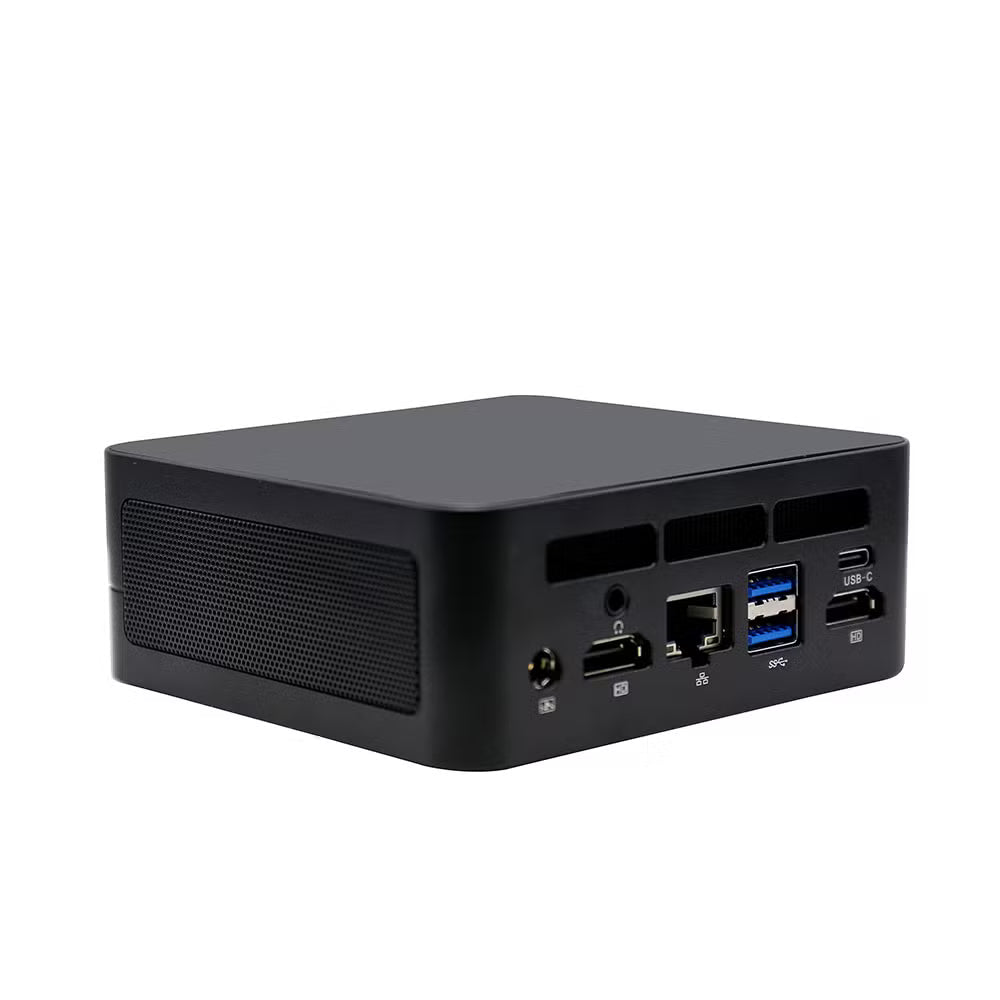
Reduce hardware costs, lower electricity usage, and simplify IT management with the Thin Client — a lightweight computing device built for centralized desktop environments. Instead of running like a traditional PC, it connects to a central server where applications, storage, and processing are managed securely and efficiently.
Ideal for businesses and organizations that need reliable access to shared systems without the expense and maintenance of full desktop computers.
Key Features
- Cost-Effective Computing – Lower setup and maintenance costs compared to traditional desktop PCs.
- Low Power Consumption – Uses significantly less electricity, helping reduce energy bills.
- Centralized System Access – Connects to a central server for applications, files, and data processing.
- Lightweight & Compact Design – Space-saving device ideal for desks, counters, and workstations.
- Easy Deployment – Quick to install and simple to manage across multiple users.
- Reliable Performance – Optimized for remote desktop and Virtual Desktop Infrastructure (VDI) environments.
- Reduced Maintenance – Fewer hardware components means less maintenance and easier IT management.
Ideal For
- Offices and corporate workstations
- Schools and computer labs
- Call centers
- Banks and service counters
- Training centers
- Businesses using remote desktop or centralized server environments
How to Use
- Connect the Thin Client to a monitor.
- Attach a keyboard and mouse.
- Connect to your network via LAN or configured connection.
- Set it up to access your server, remote desktop, or virtual desktop environment.
- Start working through your centralized applications and data system.
Package Includes
- 1 × Thin Client Device
- Power Adapter
- User Manual
Frequently Asked Questions
Do I need a full computer to use it?
No. The Thin Client works by connecting to a central server, so a full desktop computer is not required for each user.
Does it reduce electricity usage?
Yes. Thin clients consume much less power than traditional desktop PCs, making them an energy-efficient solution.
Can it run applications directly?
No. Applications and processing run on the central server. The thin client provides access to them remotely.
Where is a thin client commonly used?
Thin clients are commonly used in offices, schools, banks, call centers, and training environments where users need access to centralized systems and shared resources.
Is it easy to install?
Yes. Simply connect it to your monitor, input devices, and network, then configure access to your server or remote desktop environment.
Why Choose the Thin Client?
The Thin Client is the smart choice for organizations looking to reduce computer costs, save energy, simplify IT management, and improve efficiency. With centralized access to applications and data, it delivers a reliable and scalable solution for modern workspaces.